Requires macOS 27 or later · Notarized by Apple · MIT licensed
The Develop Module
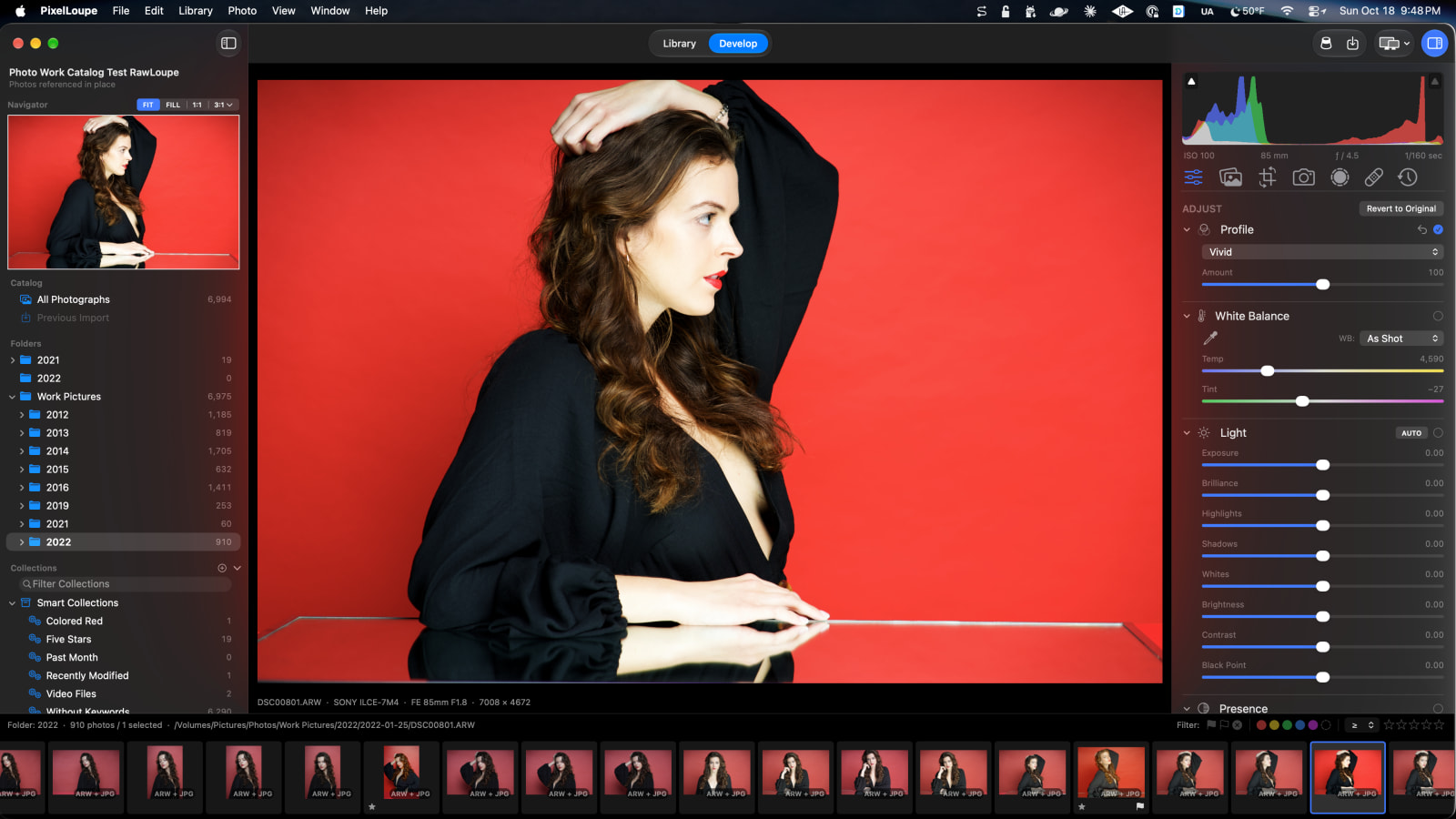
The gang’s all here. Every develop tool you’ve come to expect.
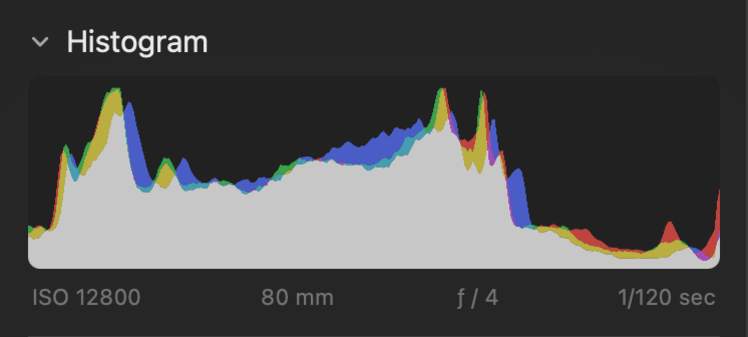
Histogram
Draggable. ISO, Lens size, F Stop, and Shutter Speed for good measure.
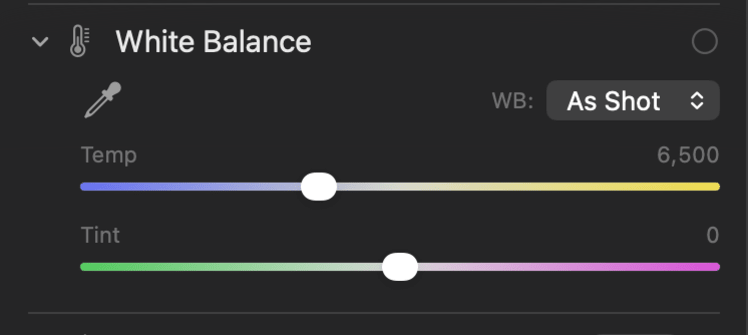
White Balance
Presets and an eye dropper to sample from your photo.
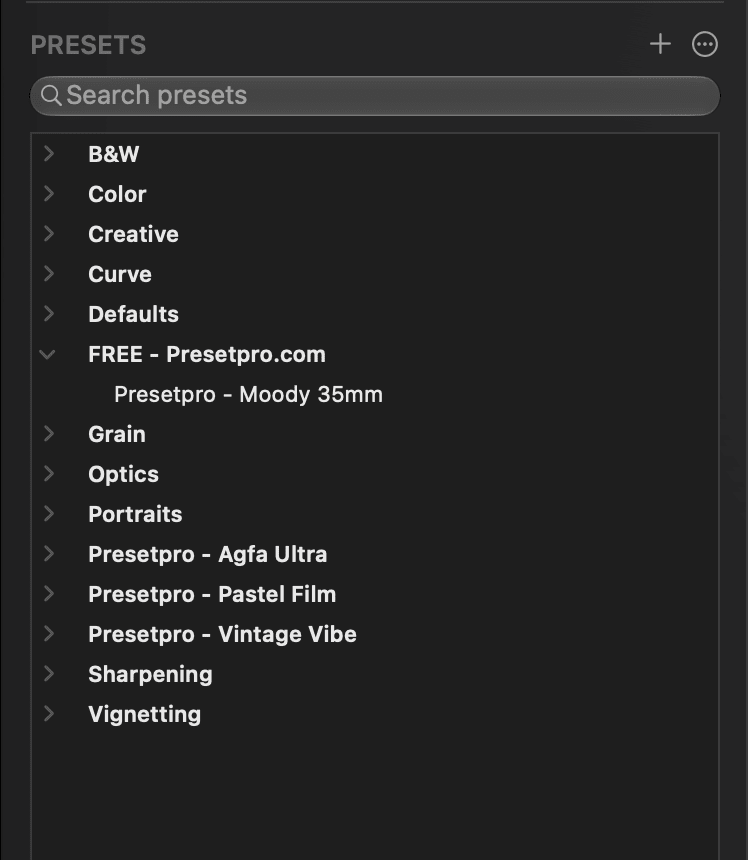
Presets
Load Lightroom Presets so your style comes with you.
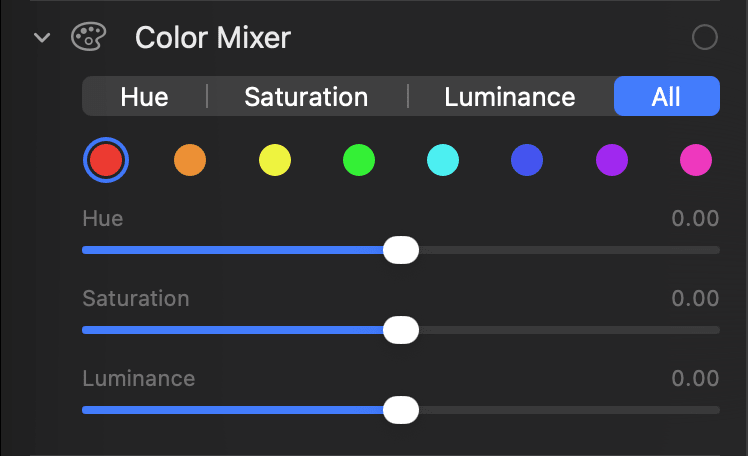
Color Mixer
Hue, Saturation, Luminance.
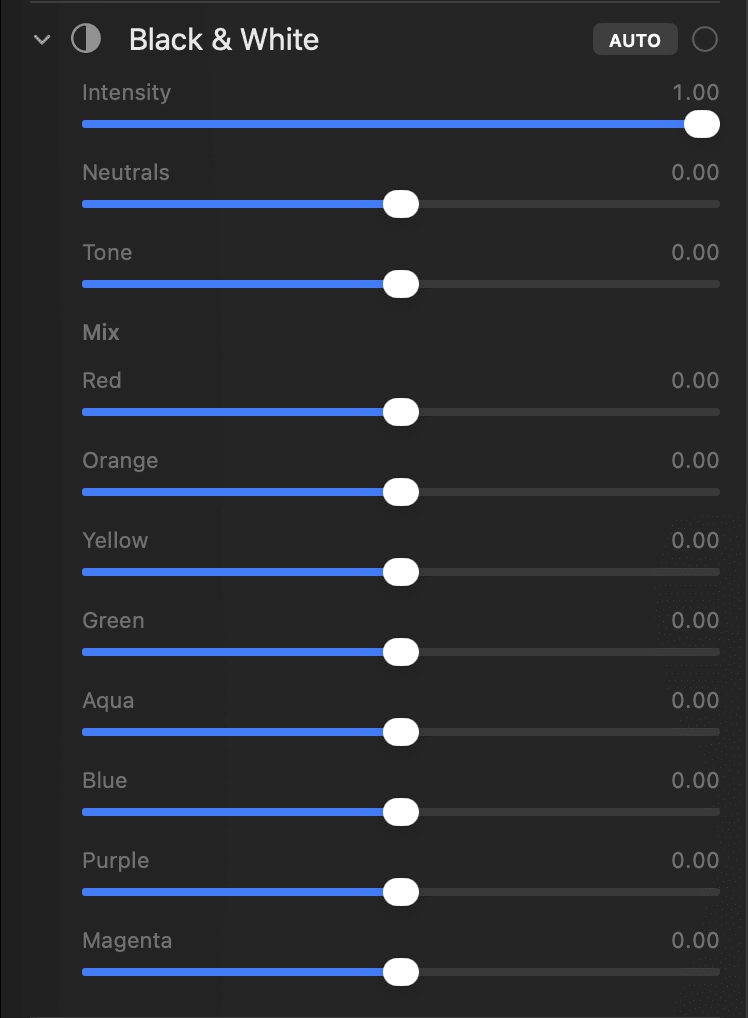
Black and White
All the variables needed with an auto application button.
Color Grading
The usual color wheels you’ve become accustomed to.
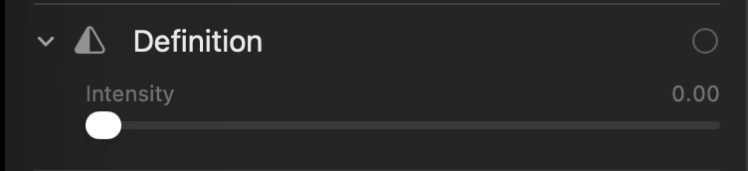
Definition
Make your photos pop.
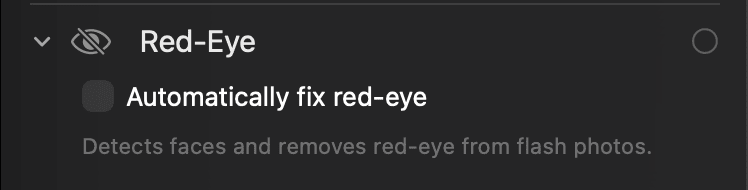
Red Eye
Because no one wants to look like the devil.
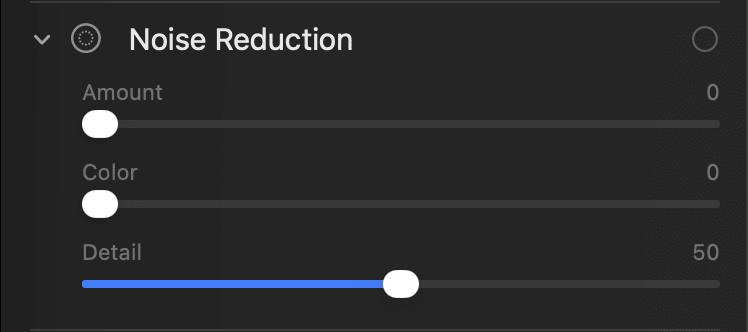
Noise Reduction
Clean up those noisy photos.
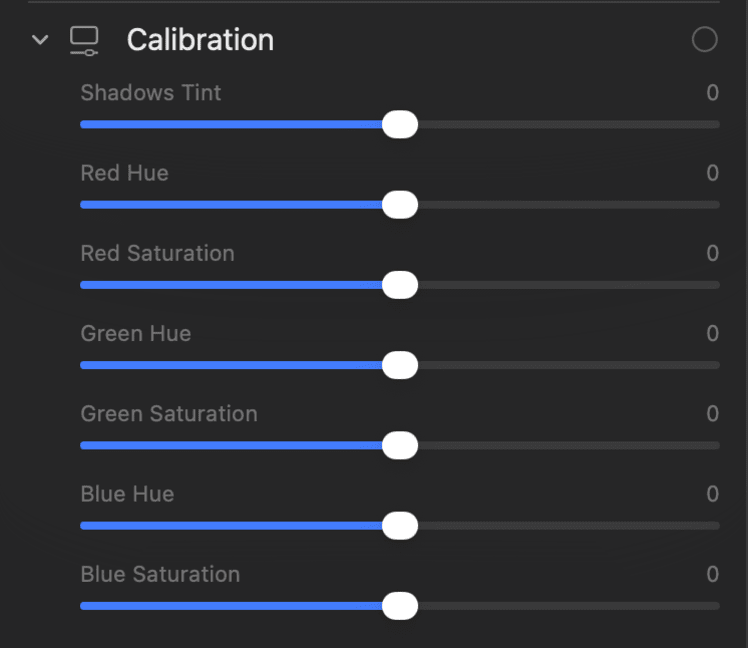
Calibration
Shadows and RGB Hue/Saturation tweaks.
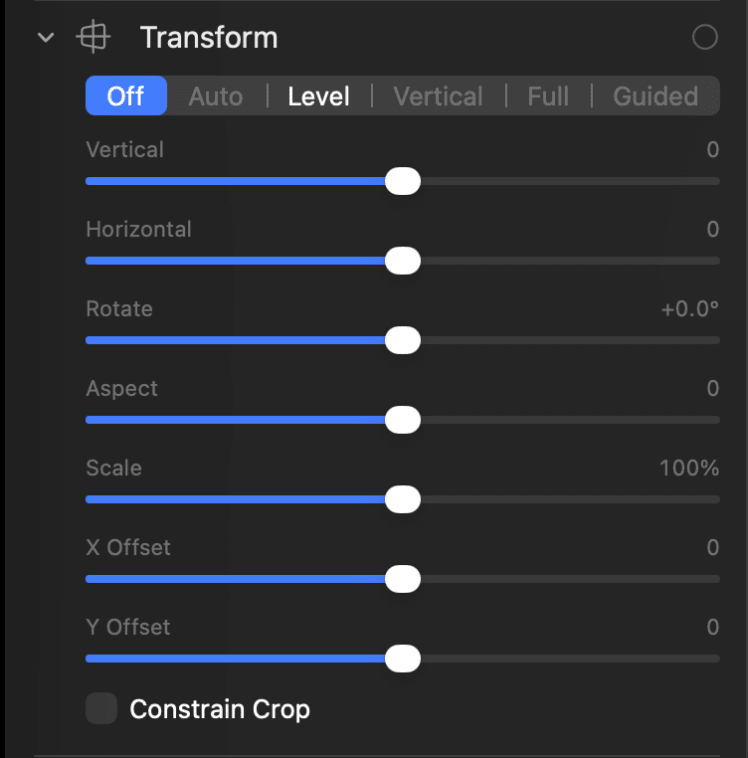
Transform
All the transformations you’d expect.
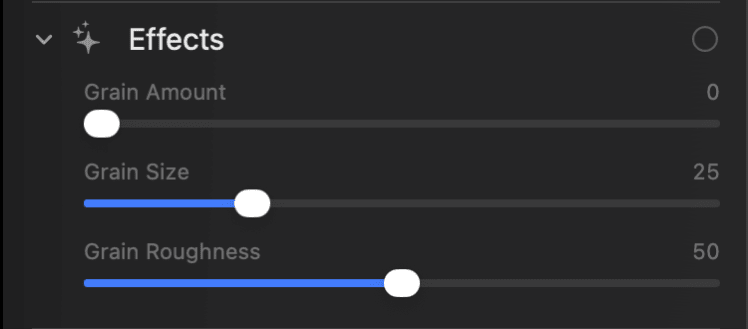
Effects
Add grain for that old timey look.
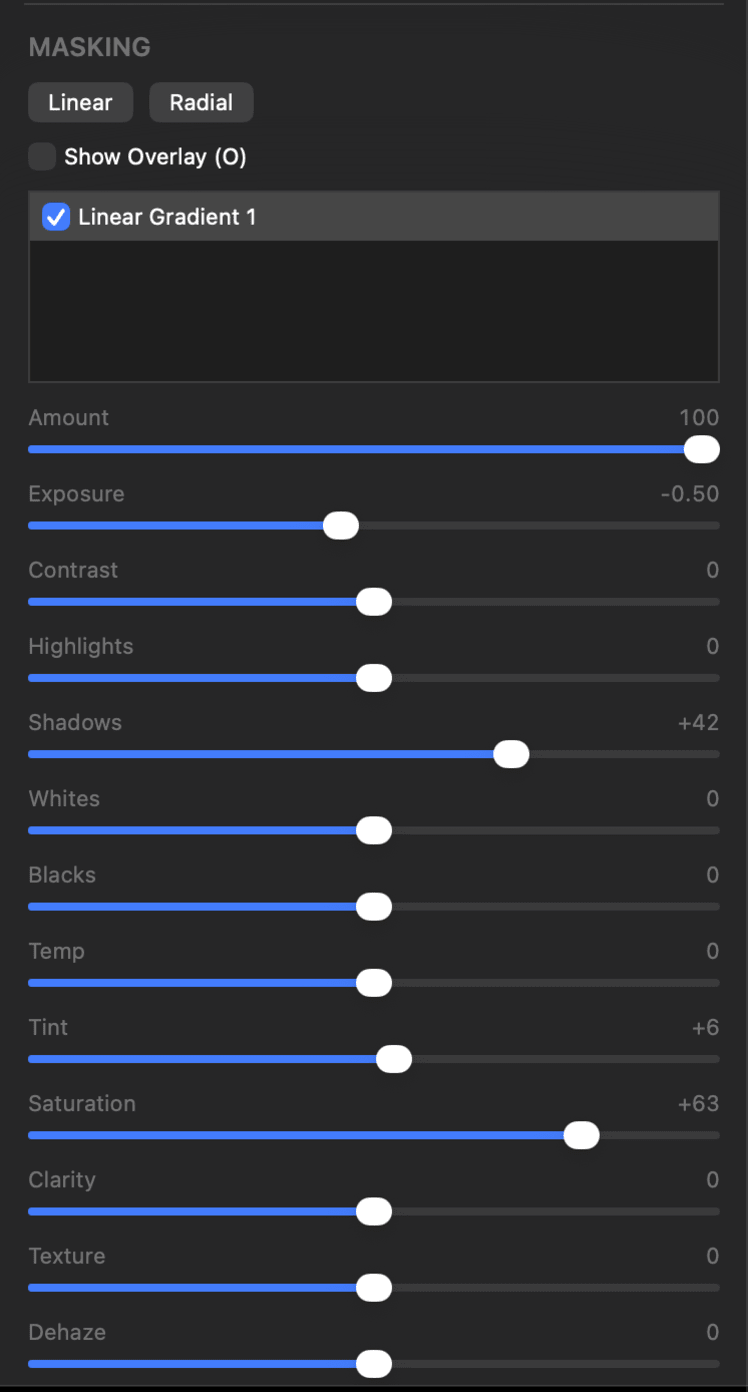
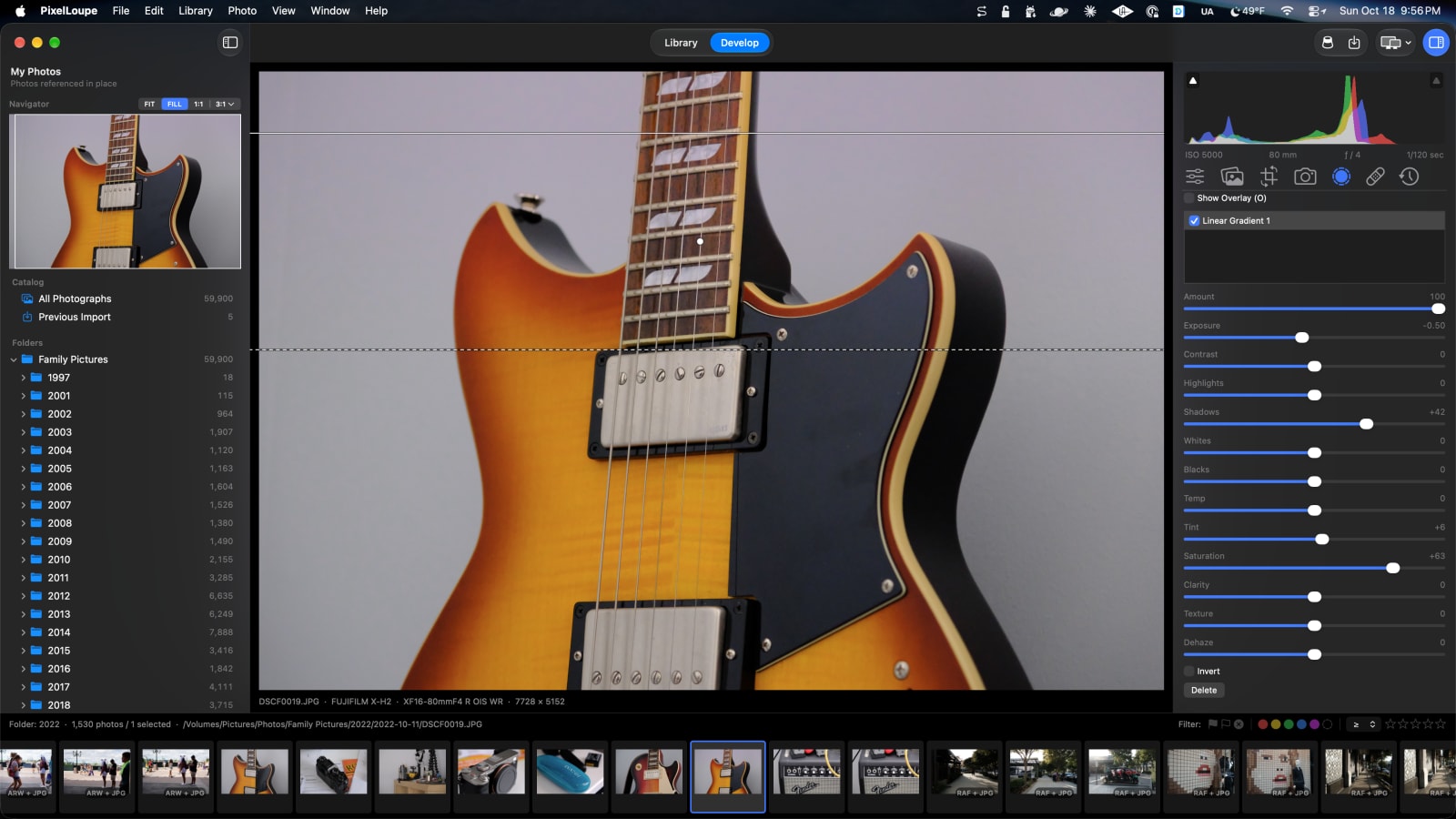
Masking
Linear or radial.
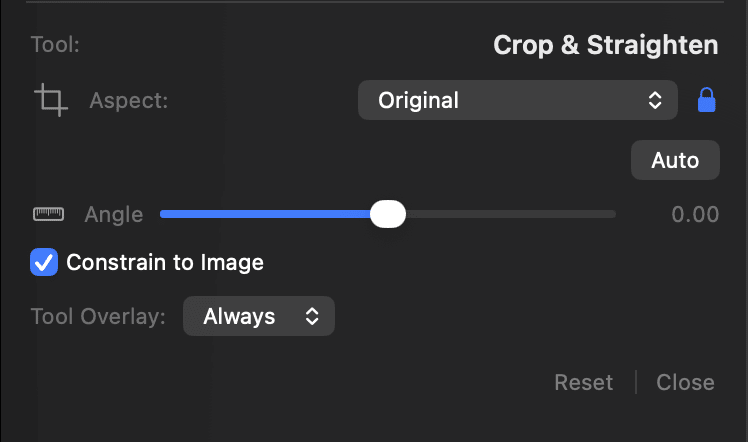
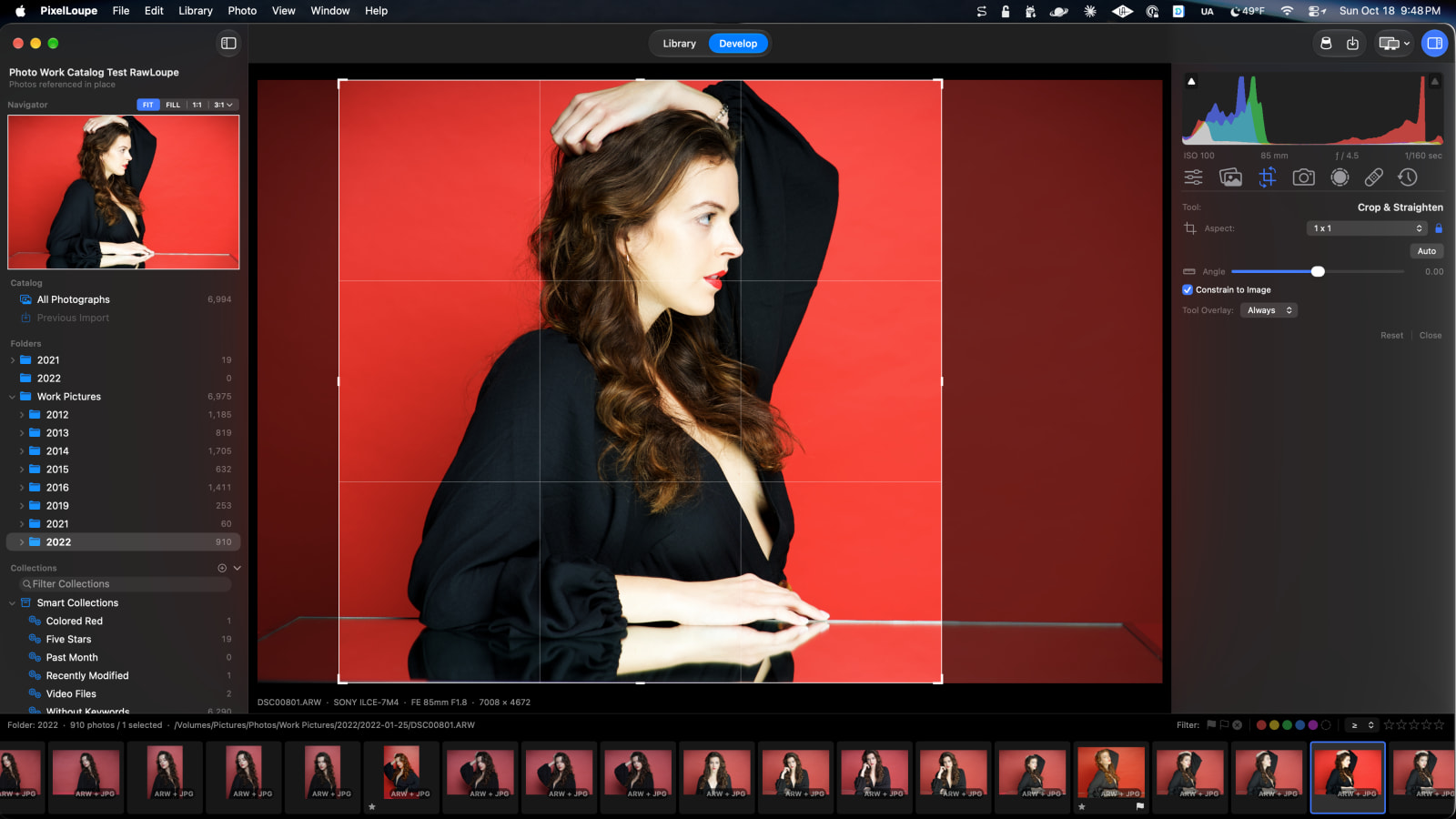
Crop & Straighten
All the expected ratios and an auto button for those landscapes that aren’t straight.
Purpose
Everything you need to cull, edit and deliver
Aperture is gone, and Lightroom became a subscription. PixelLoupe is the photo library and raw developer that should have taken their place: a native Mac app built on Apple’s own raw engine, Core Image and Metal, that opens a catalog of tens of thousands of photos and stays quick.
It works the way Lightroom Classic does, down to the keyboard shortcuts, so years of muscle memory carry straight over. Bring your Lightroom Classic catalog with you, with its folders, collections, keywords, stacks and develop settings.
Because it’s open source, it’s yours. Download the Xcode project, read every line, and change whatever doesn’t fit the way you work.
Raw processing
Non-destructive edits
Catalogs & folders
Collections & smart collections
Ratings, flags & color labels
Keywords & IPTC metadata
Profiles & white balance
Tone curve & levels
Color mixer & color grading
Sharpening & noise reduction
Lens corrections
Masking
Spot removal & red-eye
History & snapshots
Presets & copy settings
Photo Merge: HDR & panorama
Compare, Survey & slideshow
Second display
Watermarks & export
Lightroom Classic catalog import
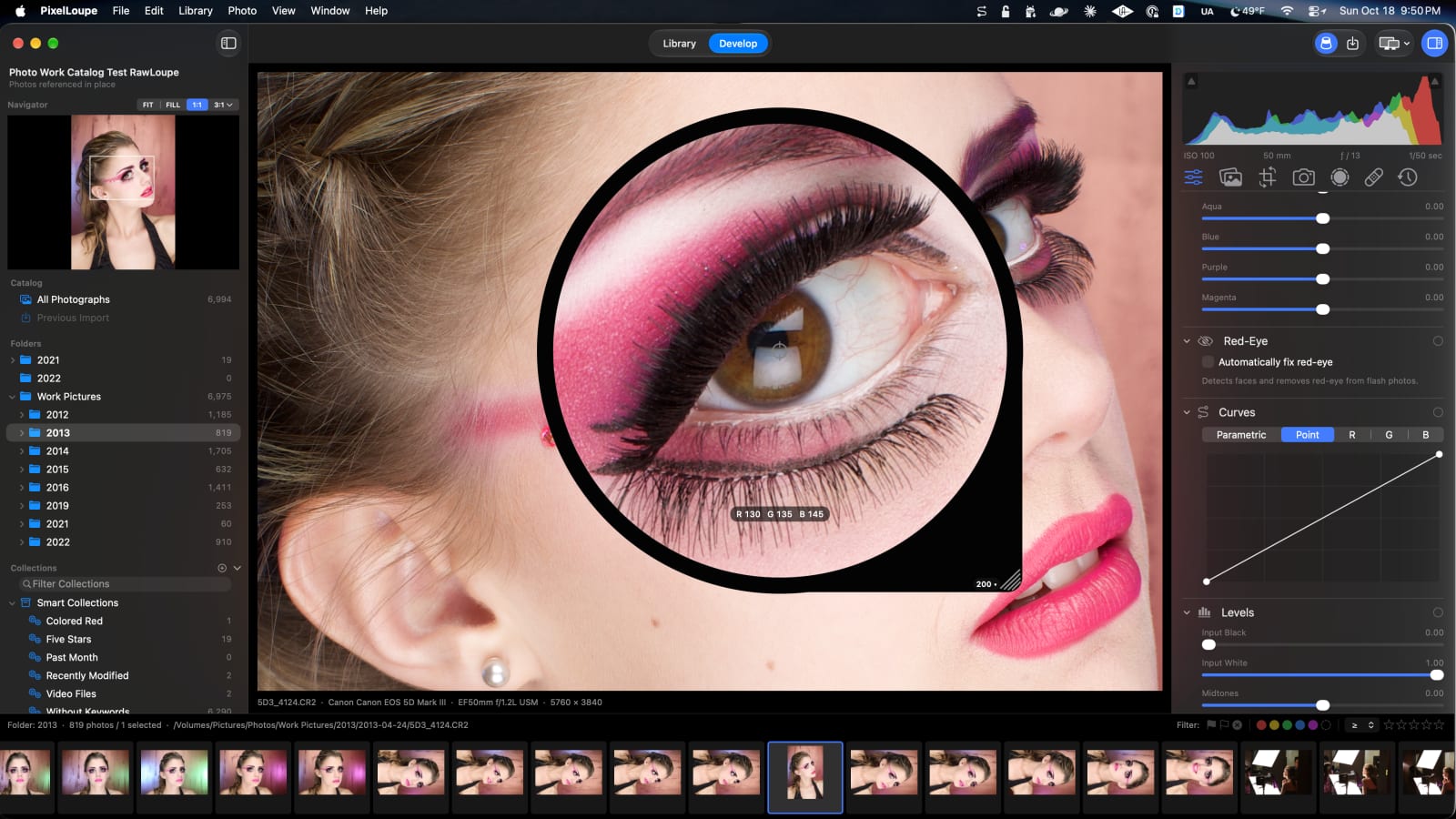
Develop
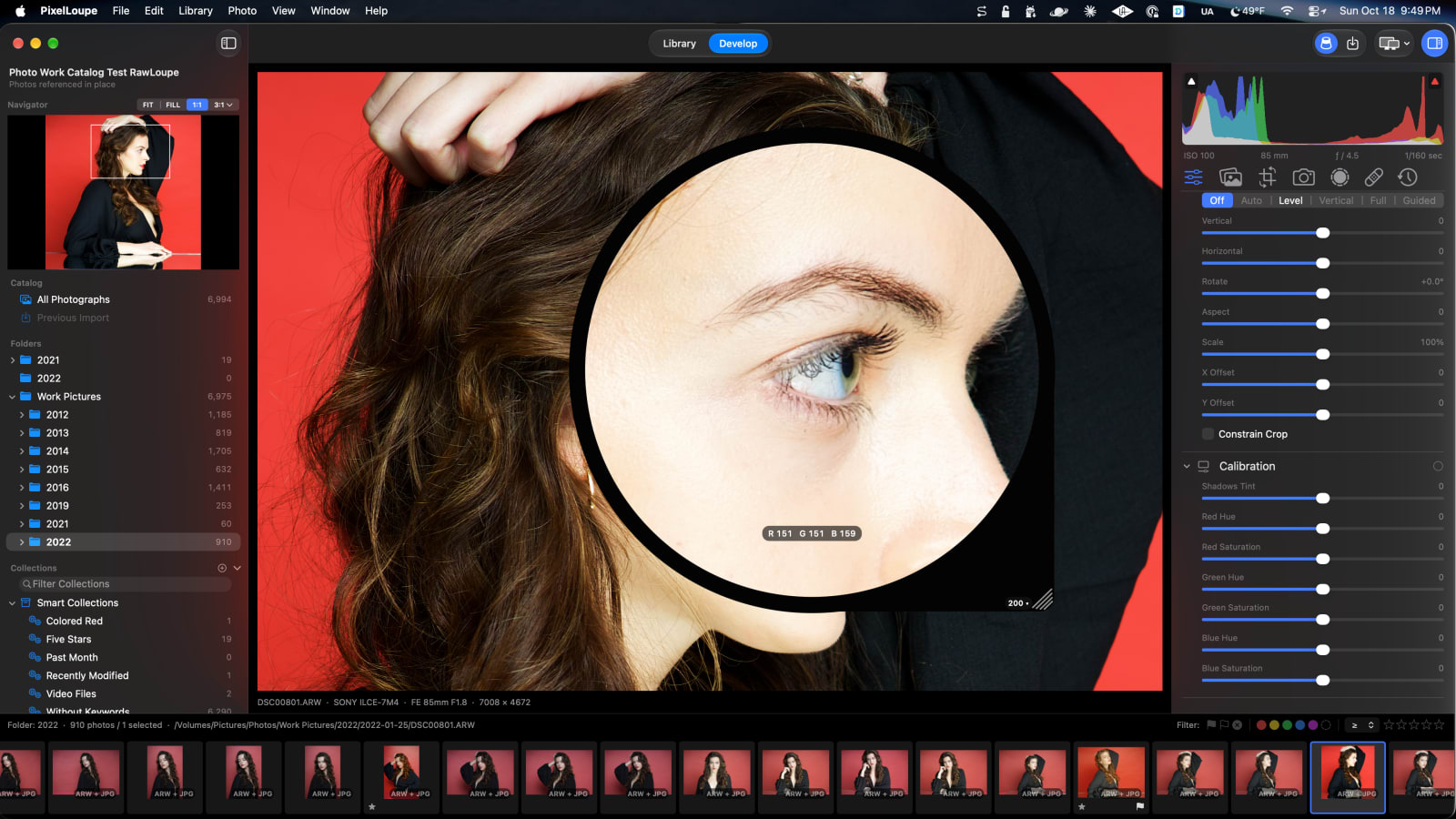
A loupe for the pixels that matter
Press ` and a magnifier drops onto the photo, from 50% to 1600%, with the RGB value under the crosshair. Check focus on an eyelash without leaving the full view, then shape the tone with point and parametric curves, levels and a Lightroom-style histogram you can drag.
Masking
Local adjustments that stay put
Linear and radial gradients each carry their own exposure, contrast, highlights, shadows, temperature, saturation, clarity, texture and dehaze. Masks are stored as shapes, not bitmaps, so they stay on the subject when you change the crop.
Crop & Straighten
Frame it the way you saw it
Press R to crop with a rule-of-thirds overlay, locked or free aspect ratios and an angle slider. Auto straightens the horizon, X flips the orientation, and nothing is ever thrown away: every crop can be undone or changed later.
Transform & Calibration
Straight lines and true color
Upright corrections (Auto, Level, Vertical, Full and Guided) fix converging verticals, with manual vertical, horizontal, rotate, aspect and scale. Calibration rotates and strengthens the red, green and blue primaries when you want the color itself to change, not just the sliders on top of it.
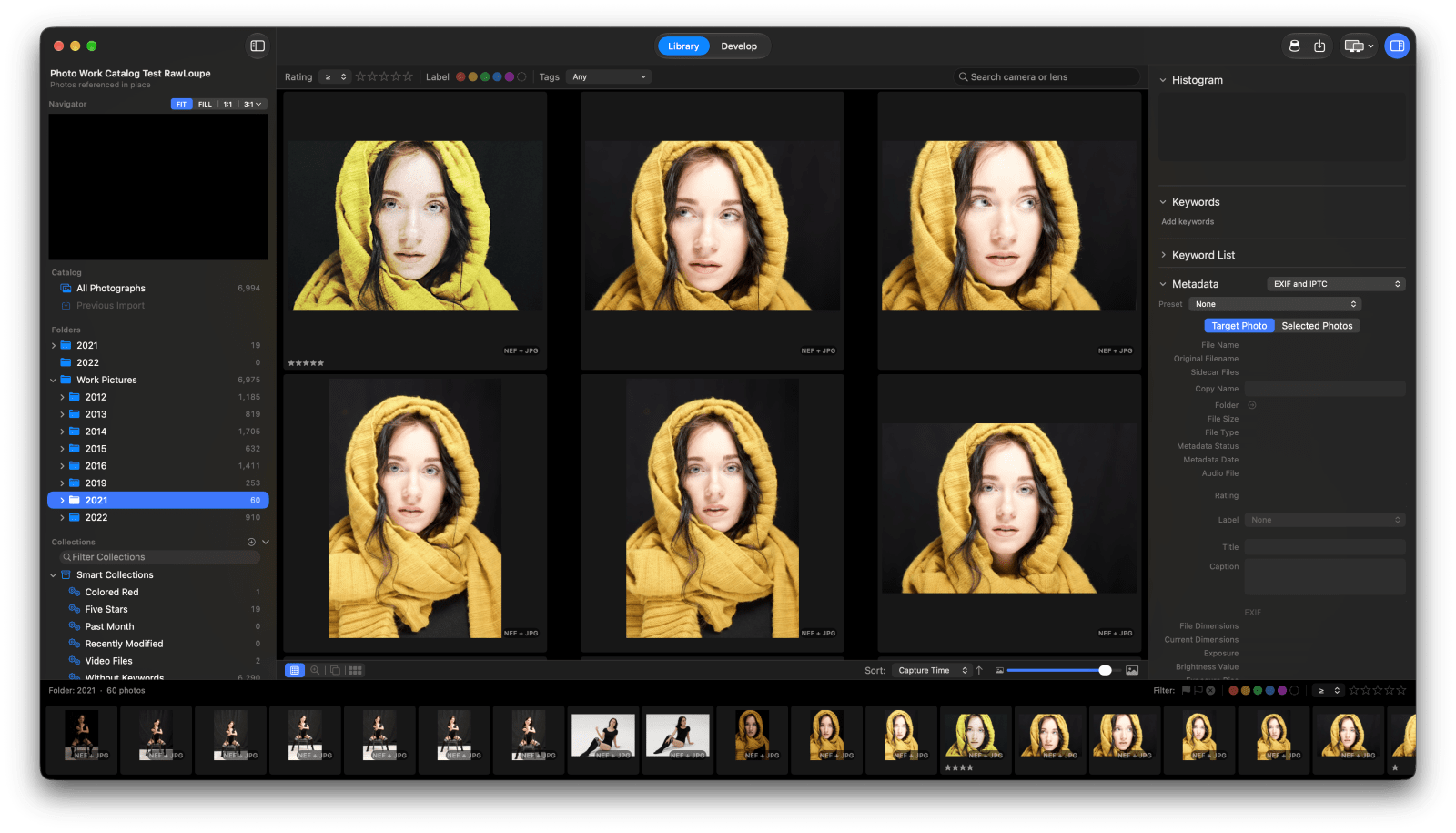
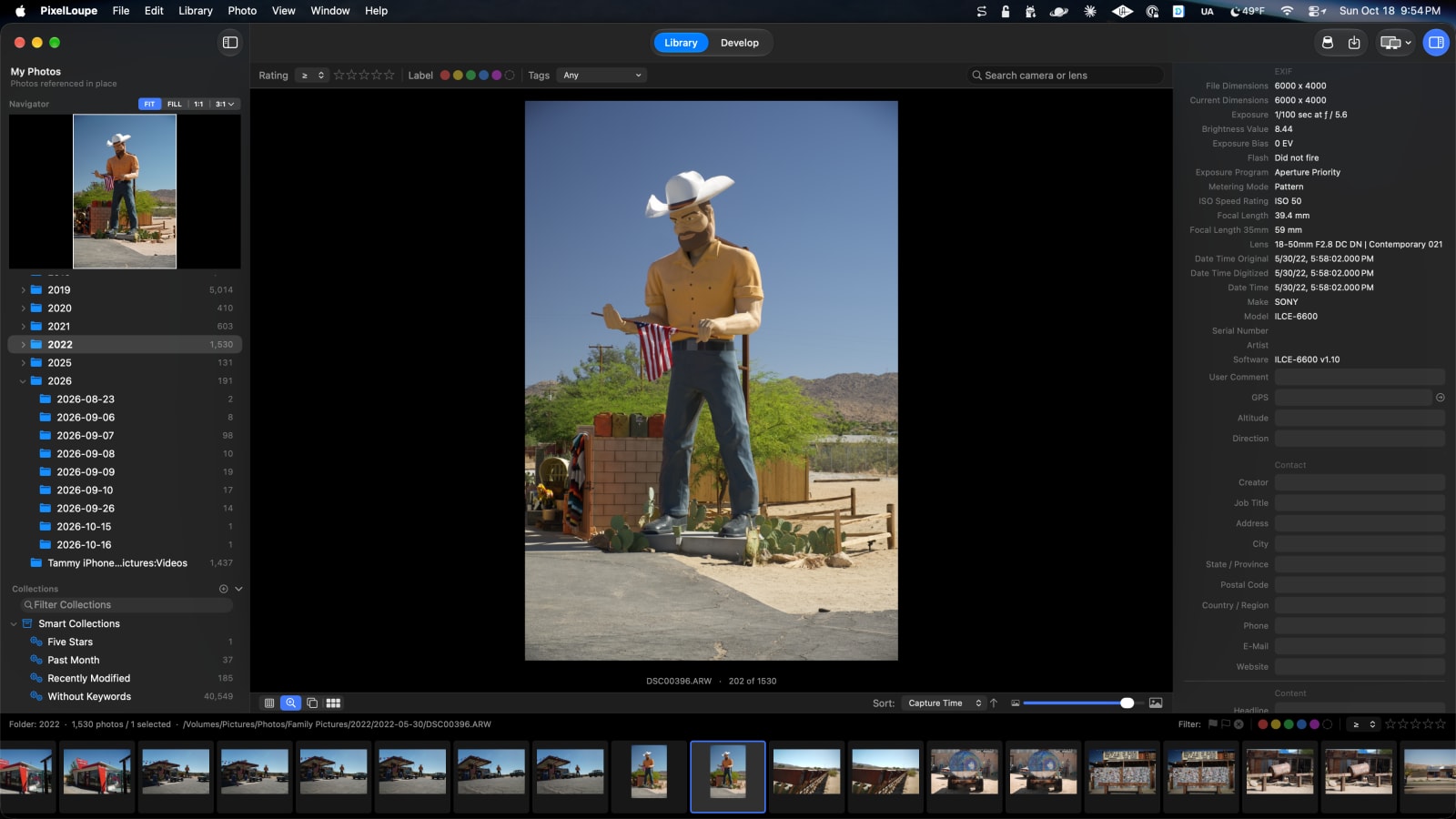
Library
Every detail of every shot
Loupe, Compare and Survey views, a filmstrip that follows you into Develop, and the full EXIF and IPTC record of each photo: camera, lens, exposure, GPS and your own titles, captions and keywords. Edits to metadata stay in the catalog; your original files are never touched.
Export
Out the door, signed and sized
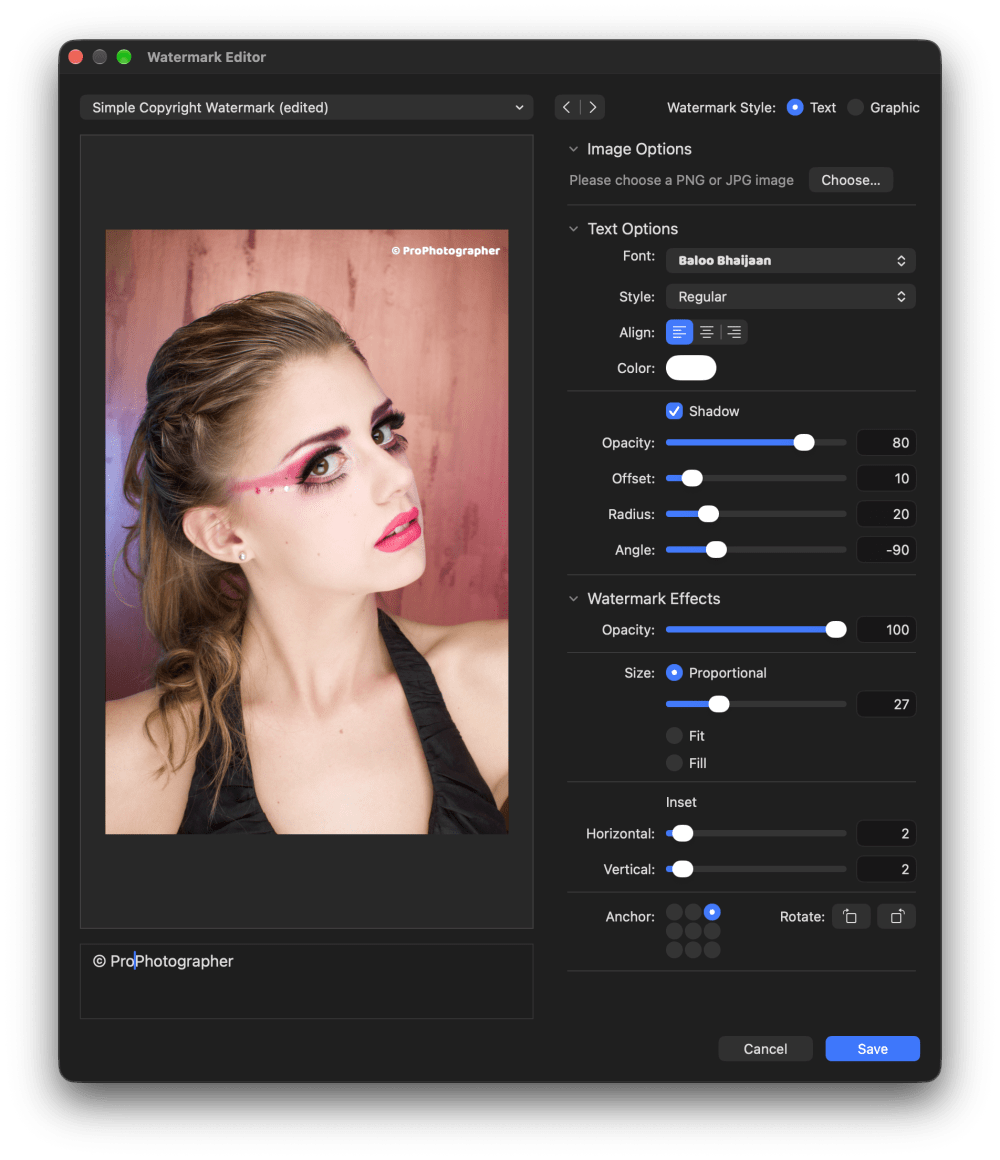
Export to JPEG, HEIC, TIFF, PNG or PSD in sRGB, Display P3, Adobe RGB or ProPhoto RGB, with output sharpening, file naming templates and presets. Add a text or graphic watermark from the Watermark Editor, and it looks the same at every export size.
Photo Merge
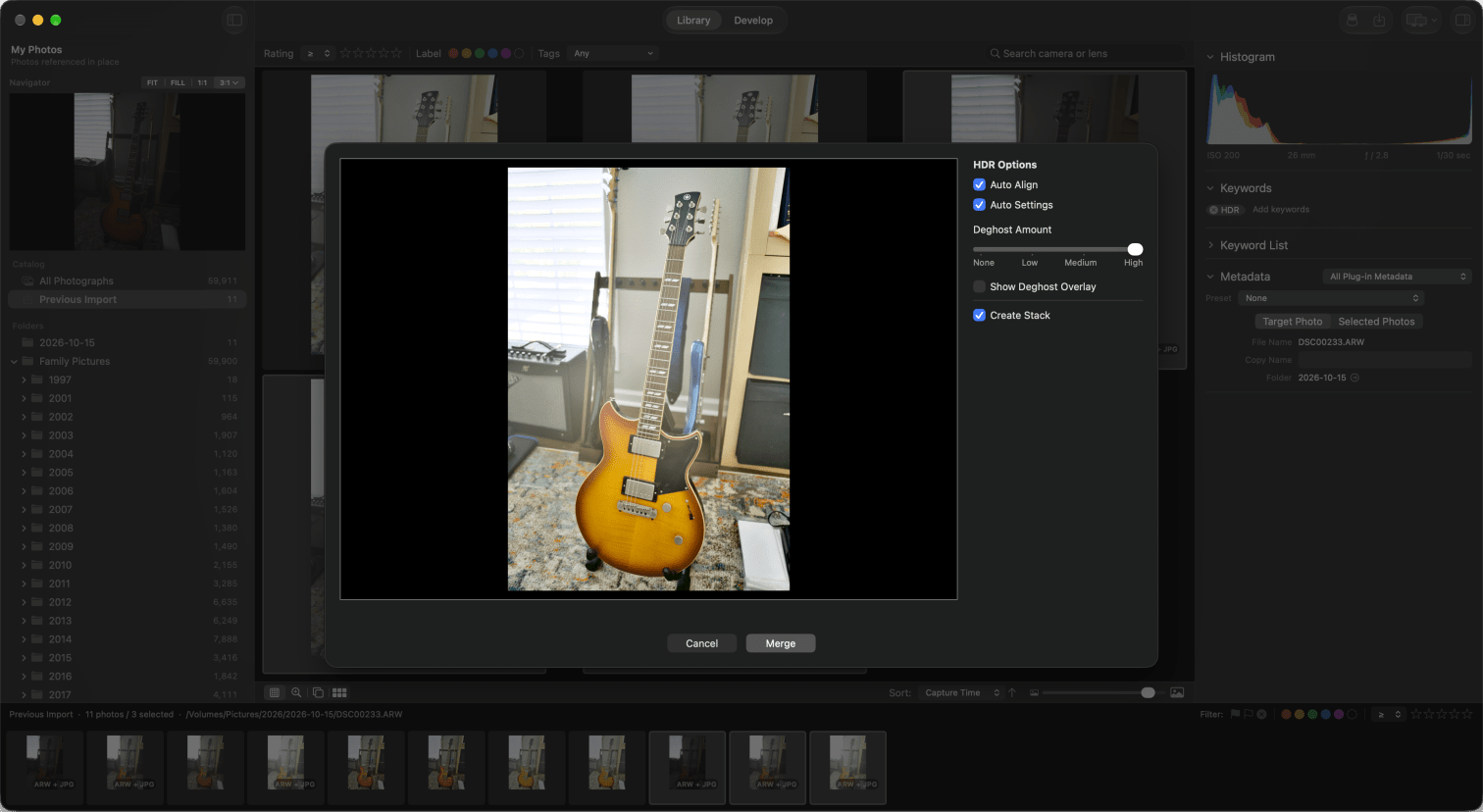
HDR
Merge your exposures into a High Dynamic Range photo. Use Auto Align to sync your handheld shots.
Photo Merge
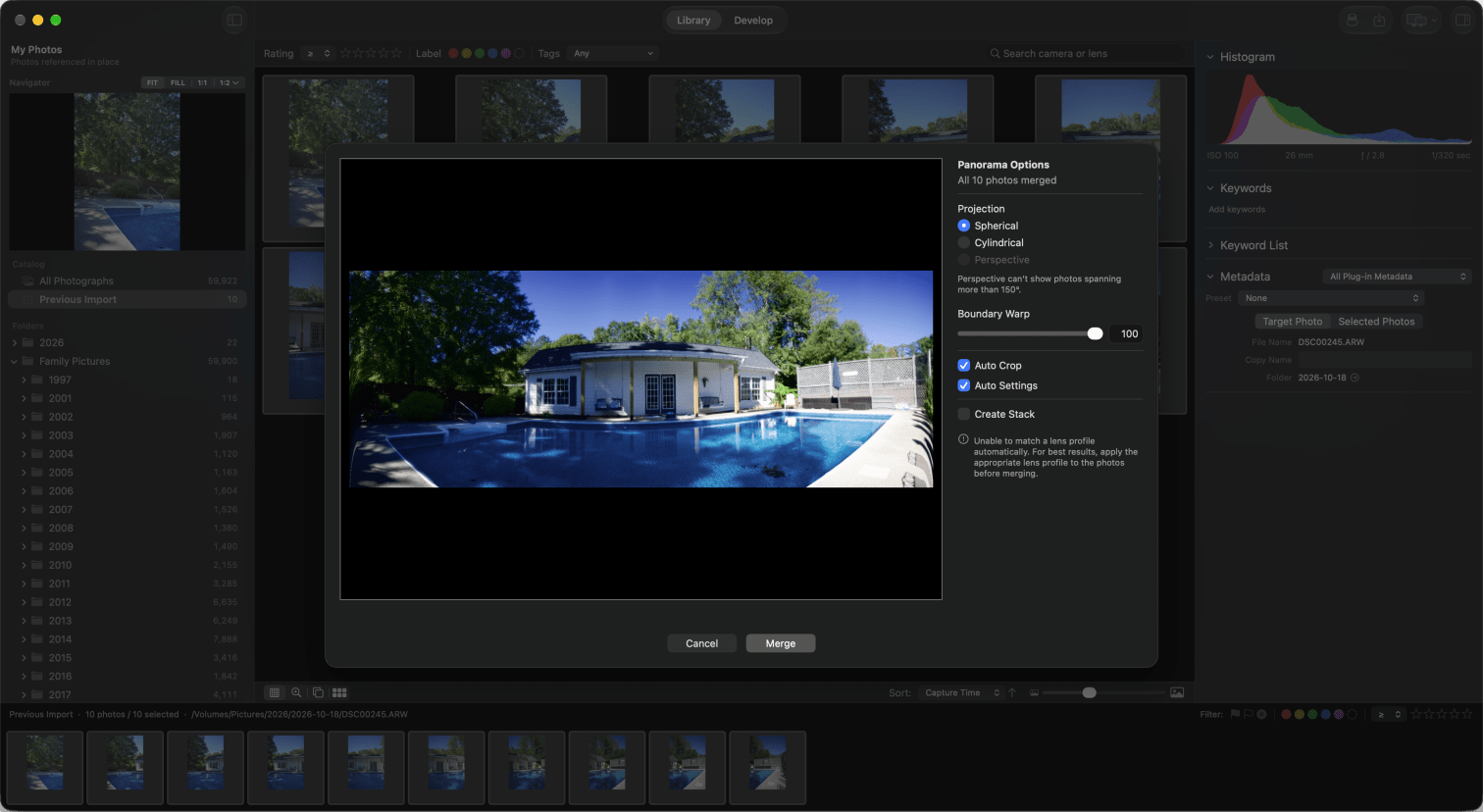
Panorama
Create stunning panorama photos without leaving PixelLoupe.
Coming from Lightroom Classic?
Bring your catalog. Leave the subscription.
Your catalog, read-only
File ▸ Import Lightroom Catalog turns a Lightroom Classic 13+ catalog into a new PixelLoupe catalog. Lightroom’s files are only read, and your photos stay exactly where they are.
Your edits, carried over
White balance, the Basic sliders, tone curves, HSL, color grading, black & white, detail, crops, gradients and history come across. A report lists anything that didn’t, photo by photo.
Your shortcuts, unchanged
G and D, P, U and X, 0 to 5, ⌘' for a virtual copy, ⇧⌘E to export. Library, Develop, Compare, Survey and the filmstrip sit where you expect them.